Mesh Gradient
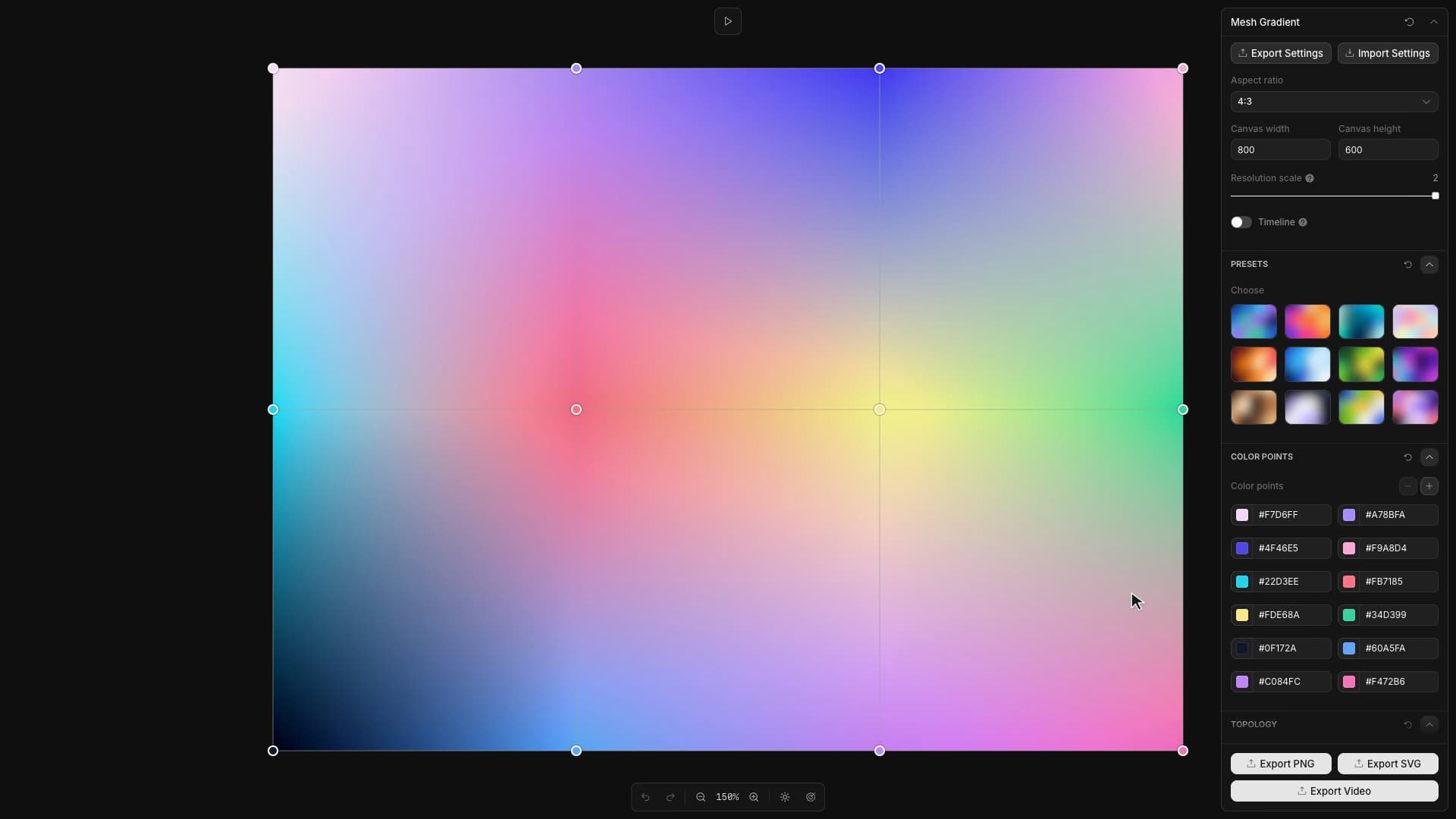
Shape colorful mesh gradients with editable points, smooth blends, and ready-to-export images.
Start from this app
Run the CLI. Paste the copied command into your terminal.
Name your project. Choose a name, then let the CLI install the app and its dependencies.
Start building. Open the generated project and make it your own.

Adding one color point exposed a problem with the gradient's underlying grid. A rectangular mesh naturally grows by rows or columns, but the intended interaction was to place a single new color where it was needed.
Mesh Gradient keeps the existing grid and divides only the cell receiving the new point into triangles. The cell boundary stays fixed while the inserted point affects its color and shape. Selection is shared between the canvas and the color list, and Toolcraft history restores the corresponding geometry when a point is removed or brought back.
The same points can produce different color transitions. Alongside RGB and linear-light mixing, the renderer offers OKLab interpolation, which blends in a color space designed around perceived differences. The intermediate colors change even though the chosen swatches and their positions stay fixed.
Animation grows out of those edited positions. Interior points drift with individual phases, while the original edge points stay anchored. Position and hue offsets return to zero at the loop boundary, bringing the mesh back to the arrangement the user set.