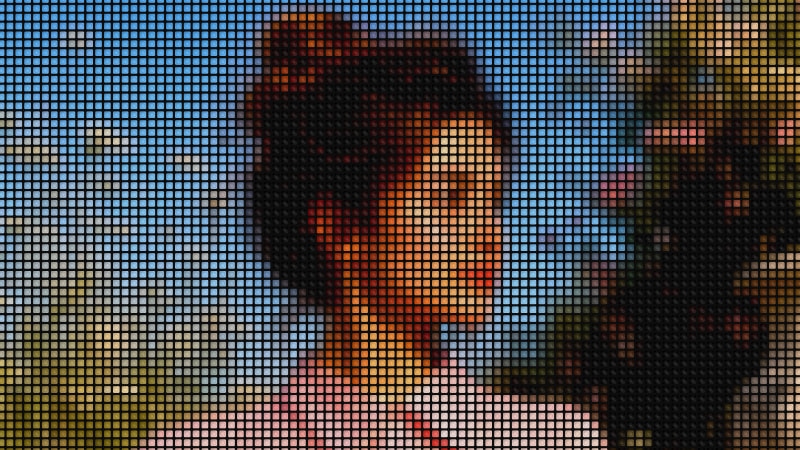
Dither Lab
Transform images with dither, pixel-art, ASCII, halftone, and grid effects.
Start from this app
Run the CLI. Paste the copied command into your terminal.
Name your project. Choose a name, then let the CLI install the app and its dependencies.
Start building. Open the generated project and make it your own.

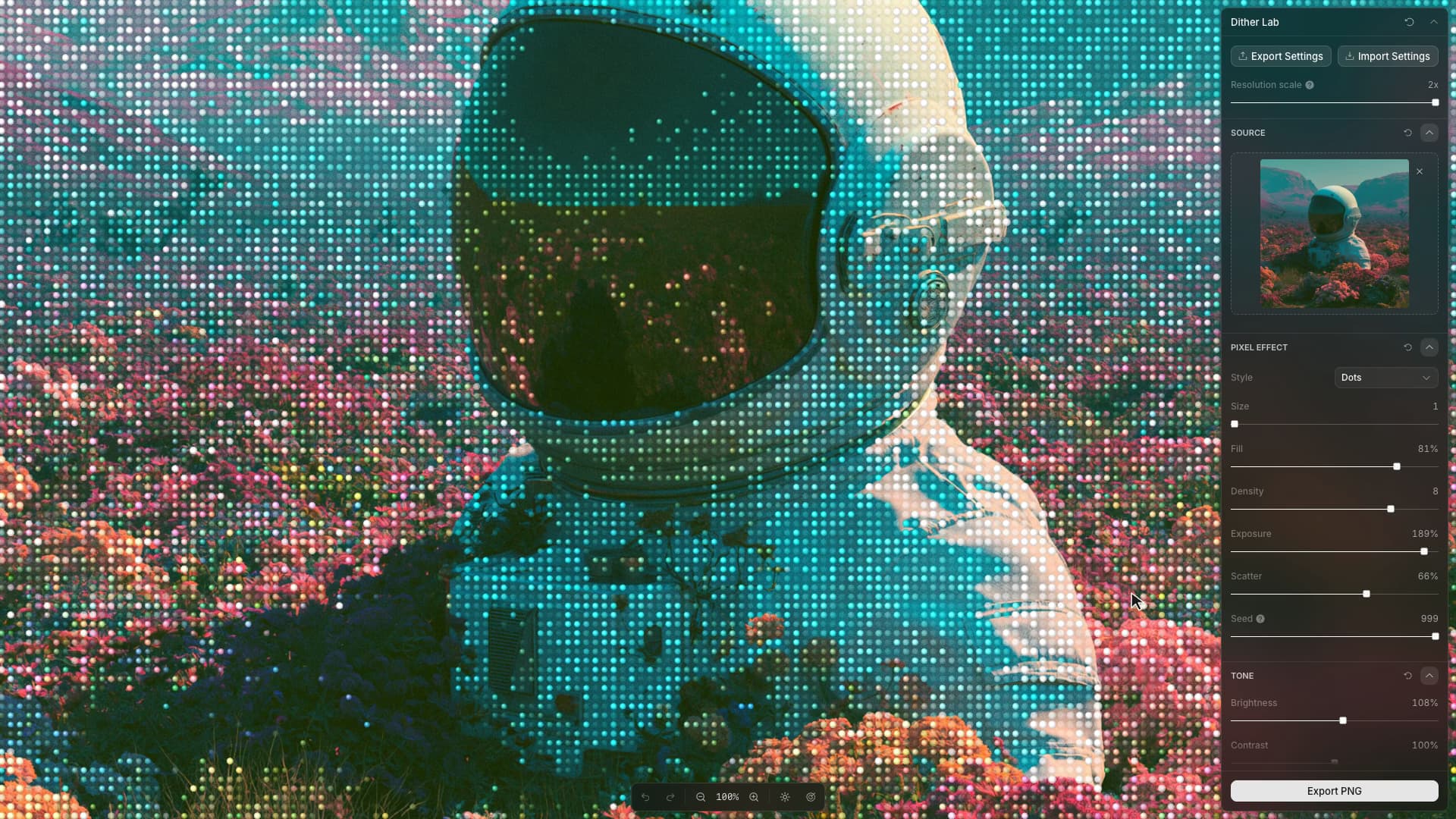
Dither Lab reconstructs an image according to the marks available in each style. ASCII maps brightness to characters. Ordered dithering uses a repeating threshold matrix. Halftone and grid effects sample the source into cells, then draw their own shapes.
Each approach has a separate sampling plan because character spacing, dither cells, and graphic tiles preserve different amounts of detail. The app also distinguishes preview work from export work, recalculating drawing dimensions for the output. Tone and duotone controls sit around these methods, allowing the same photograph to be compared across several rendering techniques.
ASCII offers three treatments for each character set. Uniform mode keeps the type size consistent; Dynamic varies character size and introduces variation in which characters represent each brightness; Filled can vary weight. The glyph presets also carry font choices and sizing adjustments. Changing the glyph set can turn the same brightness map into dense blocks, fine marks, or lines of type.
The order of the controls affects the result. Brightness, contrast, hue, and saturation prepare the source before the marks are chosen. Duotone is applied after the effect has drawn them, followed by glow, texture, and vignette. Raising contrast can change which marks describe the photograph; changing the duotone can recolor the resulting pattern while keeping those decisions intact.