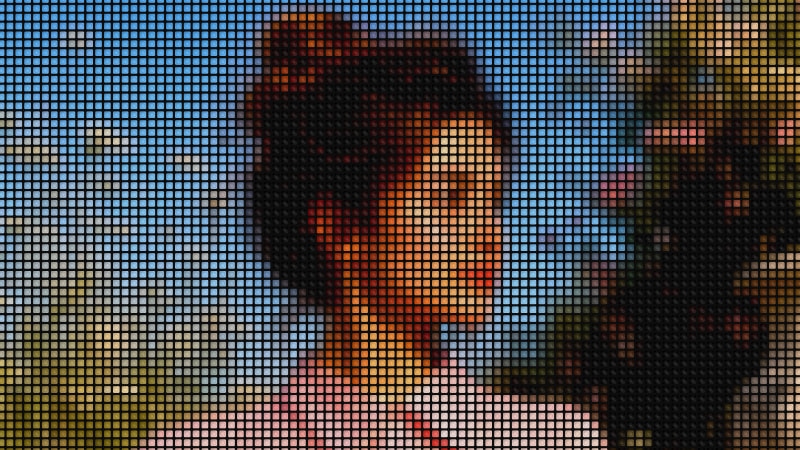
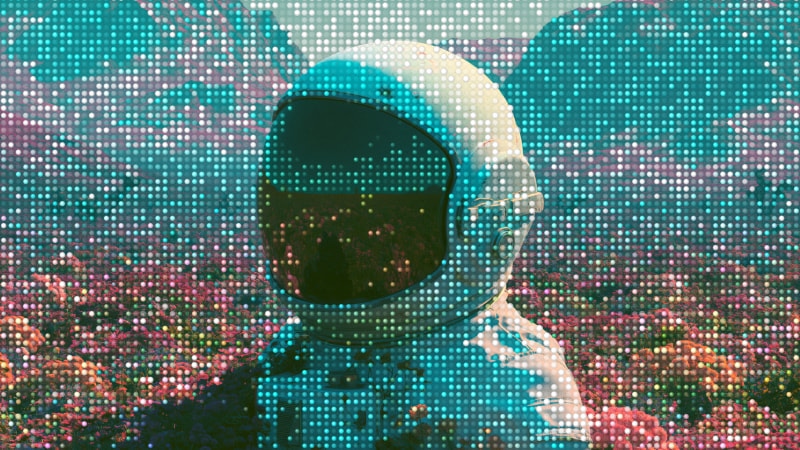
Mesh FX
Transform 3D models with halftone, dithering, ASCII, and pixel effects, then fine-tune the finish.
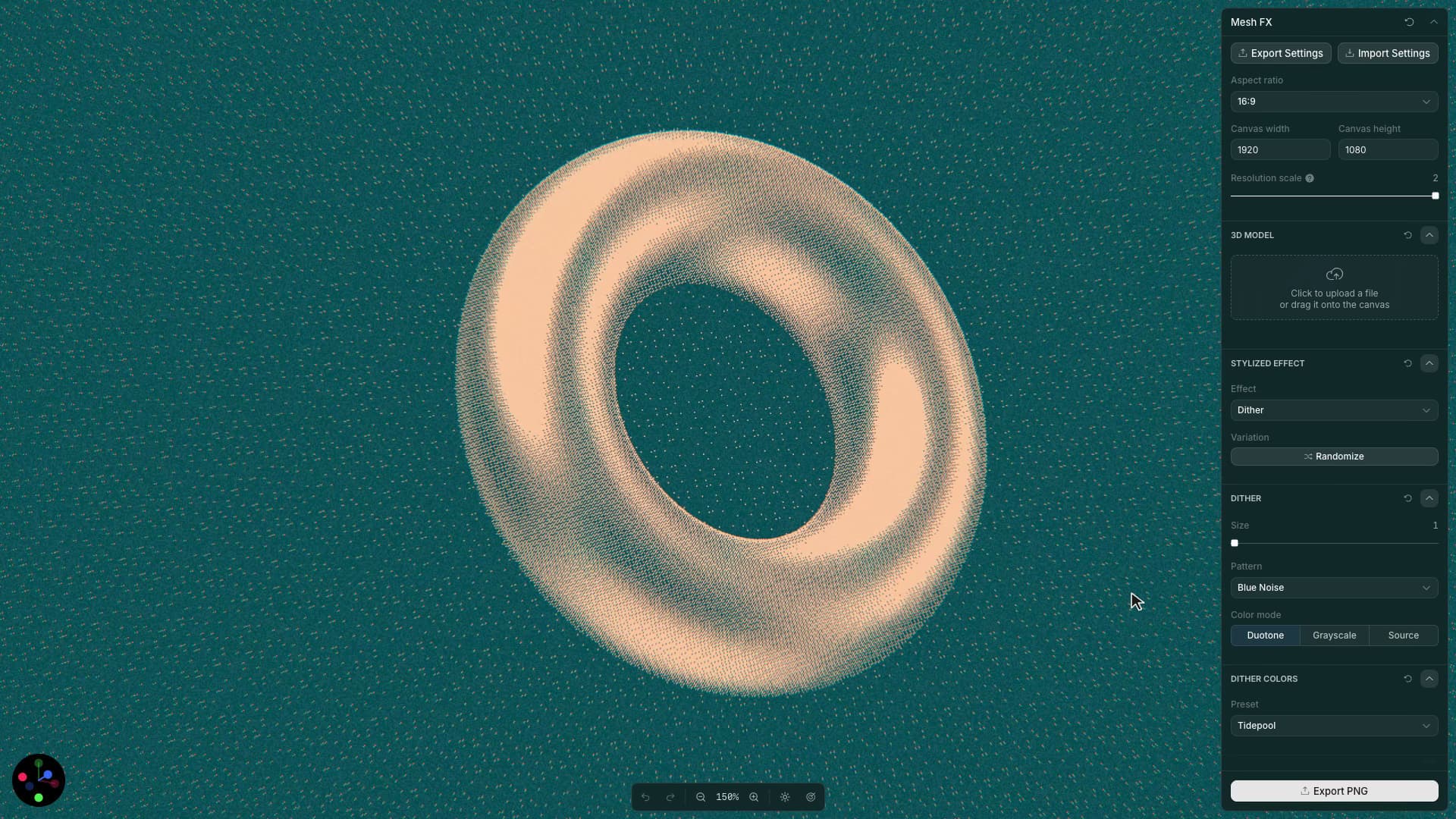
Start from this app
Run the CLI. Paste the copied command into your terminal.
Name your project. Choose a name, then let the CLI install the app and its dependencies.
Start building. Open the generated project and make it your own.

Mesh FX applies graphic treatments to a rendered 3D object. Halftone, ASCII, dithering, and pixelation operate on the scene image, so changing the camera changes the material those effects receive. Focus, grain, bloom, and color correction finish the result.
Animated grain introduced a useful rendering distinction. The model and expensive stylization passes can be cached while the grain keeps changing over them. Rotating the model refreshes the underlying render; moving around the Toolcraft canvas can temporarily suspend the extra animation work. The renderer distinguishes editing the object from navigating the workspace.
Even a halftone dot needs a decision about how dark it can become. An isolated circle leaves white gaps between neighboring cells, which limits the darkest tone. The full-range treatment grows marks into those gaps until a cell can fill completely. Other treatments retain isolated dots or lay black marks over the original scene colors, giving the same object different relationships between ink, paper, and shading.
Focus is composed within the finished image. Lens Blur measures distance from a chosen point; Tilt Shift measures distance from an angled line. Both keep a sharp region and gradually increase blur outside it. A diagonal strip can remain crisp across the object while the surrounding pattern softens, regardless of the model's physical depth.