Liquid Glass
Bend images through frosted glass with colorful refraction, soft highlights, and editable text.
Start from this app
Run the CLI. Paste the copied command into your terminal.
Name your project. Choose a name, then let the CLI install the app and its dependencies.
Start building. Open the generated project and make it your own.

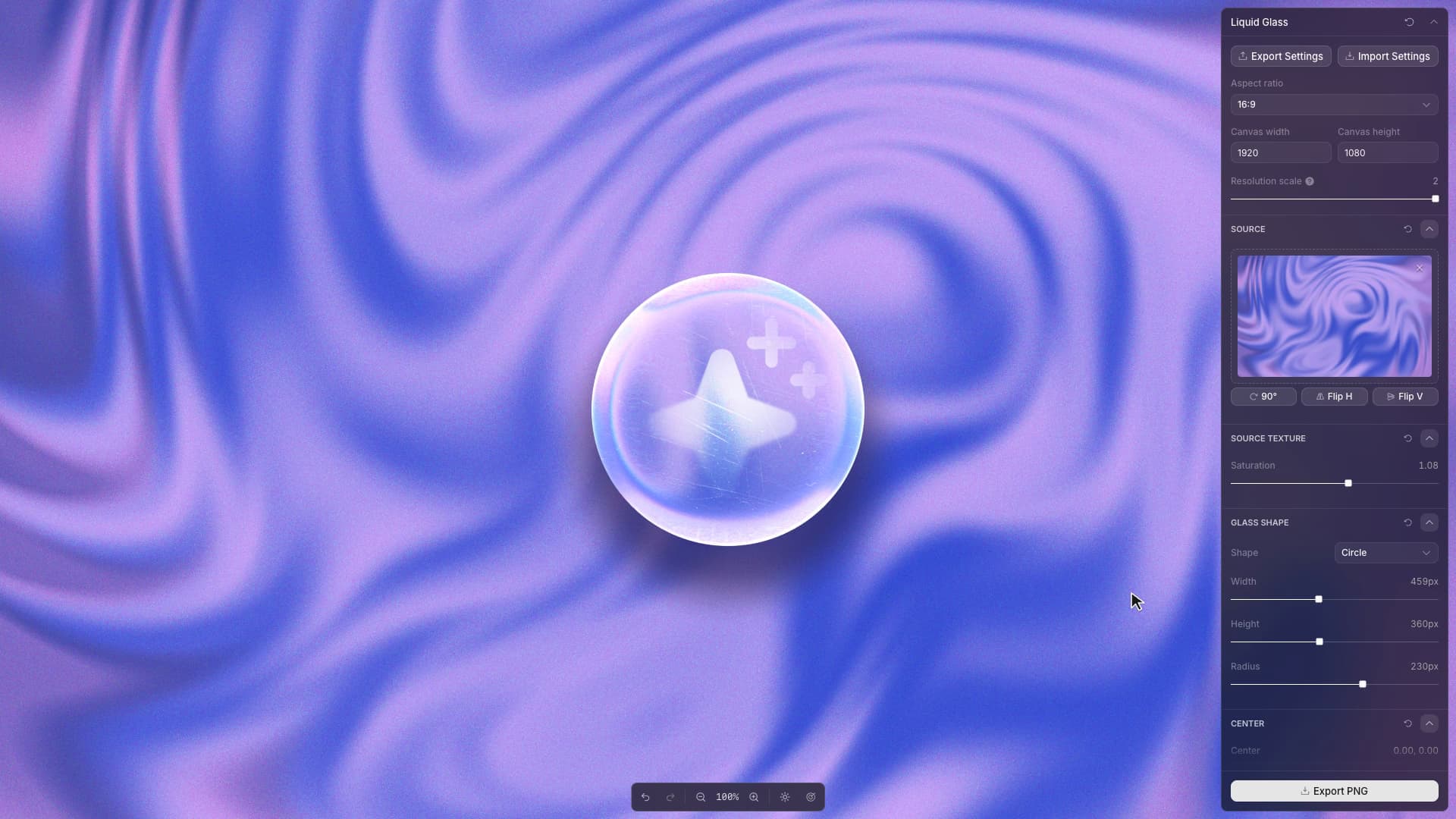
The colored edge in Liquid Glass comes from sampling the source image three times. A displacement map bends the image under the lens; red, green, and blue receive slightly different offsets. Frost blends in blurred samples, while texture and highlights are composed separately. Each operation has its own controls. Moving the lens across the canvas changes what it refracts, allowing the same glass treatment to be composed against different parts of the image.
Text and glass can be positioned independently. With the text selected as the drag target, a gesture moves the lettering within the lens; with the glass selected, it moves the lens over the source. Screen movement is converted back into the app's composition coordinates and written through Toolcraft commands. The panel values follow the gesture, including when the canvas is displayed at a different size.
Dragging also determines what needs to be rendered again. The app retains a blurred copy of the source until the image or frost amount changes. During a drag, it redraws the area covering the old and new lens positions, restoring the exposed background and sampling the cached blur at the new location.