Grass World
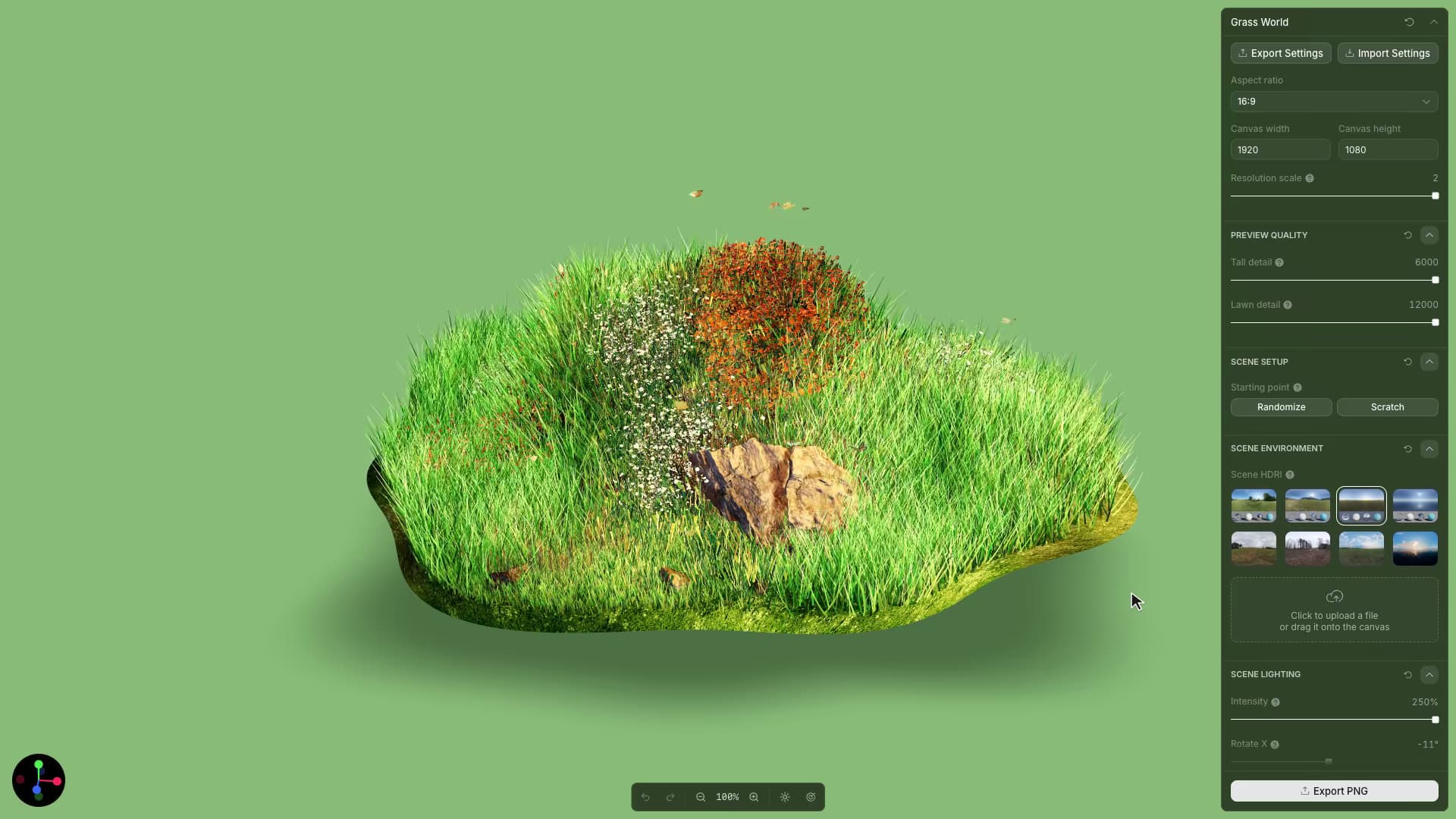
Create and customize a living WebGL grass world directly in the browser.
Start from this app
Run the CLI. Paste the copied command into your terminal.
Name your project. Choose a name, then let the CLI install the app and its dependencies.
Start building. Open the generated project and make it your own.

Grass World's randomizer combines authored terrain forms, vegetation mixes, coverage patterns, feature arrangements, scale, and abundance. Each new world selects a combination and derives the distribution settings from it. Those choices can vary independently: a terrain form can support several planting densities and arrangements.
The renderer combines procedural grass with scanned plants and rocks. Repeated blades share geometry, and the GPU bends them using a wind field. Separate distribution maps control where the different vegetation layers grow.
Placement begins with spaced candidate positions on the ground. The generator introduces a little jitter, then uses distribution maps to decide which positions receive vegetation. Spacing controls how tightly plants can gather; coverage controls where gaps and patches appear. Around a bent ground edge, the planting area contracts inward so the vegetation stays clear of the folded perimeter.
In Simulation mode, pointer direction connects several parts of the scene. It steers the wind and tilts the ground, while a wind recording fades in and out using the same ramp-up and release settings. Blade bending, surface movement, and sound can therefore respond to one gesture with different amounts of smoothing.